
Personalized benefits decision support
The benefits you designed, explained to every employee personally.
Each employee answers a few questions and finds out which benefits fit their situation, which ones they can skip, and why. No integration and no personal information collected. You can be live in days.
Simplified example. The real survey asks more questions and covers every benefit you offer.
Employees enroll in the coverage they usually skip
Live in days, with nothing to integrate and no IT work
No names, logins, or Social Security numbers collected

The gap
You spend months on the benefits package. Almost half of employees don’t feel they understand it.
Months go into plan design. Long-term disability and critical illness go in because this workforce genuinely needs them. Then participation comes back flat, the same as last year.
Employees are not refusing the coverage. They are clicking past something they do not understand, in an enrollment portal, during a Lunch & Learn, while eating.
You’ve tried the strategies that everyone tries. The benefit guide nobody opens. The carrier rep reading the brochure out loud. The decision support module bundled into the ben admin, which is a plan comparison chart that few employees ever open.
The enterprise tools come with a project attached. Census feeds, carrier integrations, an implementation timeline that runs past the renewal date, and pricing that asks for a big commitment before anyone can promise it will work. And the team that would run that project is already at capacity.
So the gap stays open. The distance between the package that was designed and what employees actually pick is the most expensive thing at this company that nobody measures.
43%
of employees do not feel they understand their insurance benefits well (LIMRA, 2025)
18%
of employees who do not understand their benefits are satisfied with them (LIMRA)
Why we built it
We built the tool that closes the gap, and we built it to work at any scale.
We think decision support has mostly failed to earn its price. The category promised participation lift, then shipped comparison charts and asked for claims feeds, logins, and six months of implementation to get there.
So we built the opposite. We load your plans, and you help inform the recommendation logic, because you know this workforce better than any vendor does. The system takes that and writes it out for each employee, one at a time, in plain language.
The employee answers a handful of questions and never gives a name, a Social Security number, or a login. In a few minutes they know which benefits fit their situation and which ones they can skip.
Nothing connects to your enrollment system, so there is no integration for IT to build. It goes live in days.
What you get from us that decision support has not given you before
1
Your strategy shapes the logic
You help inform which benefits get recommended, to whom, and under what circumstances. You are the one who knows this workforce skews young, that a third of them are single income, and that critical illness is the right call for people who cannot absorb a surprise. Everywhere else the recommendation comes out of a vendor’s model of the general population and neither you nor your broker has a way in.
2
Strongest where employees get stuck
Medical, dental, and vision are fully covered, and most employees already understand them. Where we really shine is supplemental health, voluntary, and financial benefits, like critical illness, accident, disability, life, HSA, and 401(k). That is where confusion is highest, and where a plain explanation moves participation the most.
3
Nothing to implement
No census feed, no carrier file, no ben admin integration, no IT ticket. To roll it out, you just share your unique HMCB link, or employees scan a QR code. No logins needed. Workday, UKG, Dayforce, Paycom, Paylocity, or something built in 2009. We do not touch it, so it does not matter what it is. That is why this goes live in days and why it can still go in front of a renewal that is already close.
4
No personal data, by design
Employees never give a name, Social Security number, employee ID, email, or login. Personalization needs to know the situation, not the person. And because nothing is tied to their name, employees answer more honestly, which makes the recommendations better.
Recommendation rules · your strategy
If Young, single income
Critical illness
Recommend, better tier
If Has dependents
Long-term disability
Recommend
If Low out-of-pocket max, no procedures
Hospital indemnity
Advise to skip
Every benefit, explained
Core health
Medical, dental, vision
Covered
Supplemental, voluntary, financial, and newer medical models
Critical illness, accident, hospital indemnity, disability, life and whole life, HSA, FSA, 401(k), reference-based pricing, ICHRAs
Where we shine
Employees mostly understand medical already. The room to grow is in everything else.

Share a link or a QR code. No logins. Live in days.
What employees share
We ask about
High-level household, finances, and health
Asked
We never ask for
Name, Social Security number, employee ID, email, or a login to this or any other system
Never collected
Anonymous for every employee. No personal records to store.
Proof

Same benefits, third year in a row. The only change was HMCB.
18%
30%
Long-term disability participation
35%
46%
Critical illness participation
3:57
Average time to complete
2,600
Benefit-eligible employees, spread across many locations
ConGlobal kept the same benefits package for the third straight year. Adding Help Me Choose Benefits was the only change. Employees reached it with a QR code, and no personal data was collected.
“Help Me Choose Benefits was the right tool, at the right time, at the right price. Our groups received tailored recommendations which helped their confidence when selecting benefits.”

Tim Henward, T2B Solutions
How it works
Three simple steps
Step 1 of 3
Set it up
We work with you to load the plans, and you help inform the strategy for this group. Who should be looking at critical illness, where the disability gap is, which lines you want to see move. It takes an afternoon, and we work with you the whole way to set up your strategy.
Plan setup
Medical
PPO and HDHP with HSA
Loaded
Critical illness
Good and better tiers
Loaded
Your strategy
Recommendation rules
Ready to preview
Step 2 of 3
Employees answer a few questions
They get a link. No account, no app, no login, nothing personally identifiable. Questions about household, money, and health, answered honestly because nothing is attached to their name. It takes a few minutes.

Question 2 of 3 · How often do you exercise?
1:12
Step 3 of 3
They enroll knowing why
Each employee sees which benefits fit their situation, why each one fits, and which ones they can skip. You get a live dashboard showing how many employees used it and how they break down, plus reports on what was recommended. That is the slide that goes in front of leadership when enrollment closes.
Your dashboard
Decision tool usage
Persona breakdown
- Young and Healthy14%
- Young Consumer22%
- Family Healthy11%
- Family Consumer27%
- Established and Healthy9%
- Established Consumer17%
Based on the real dashboard. Example data.
Employee demo
Try it as an employee
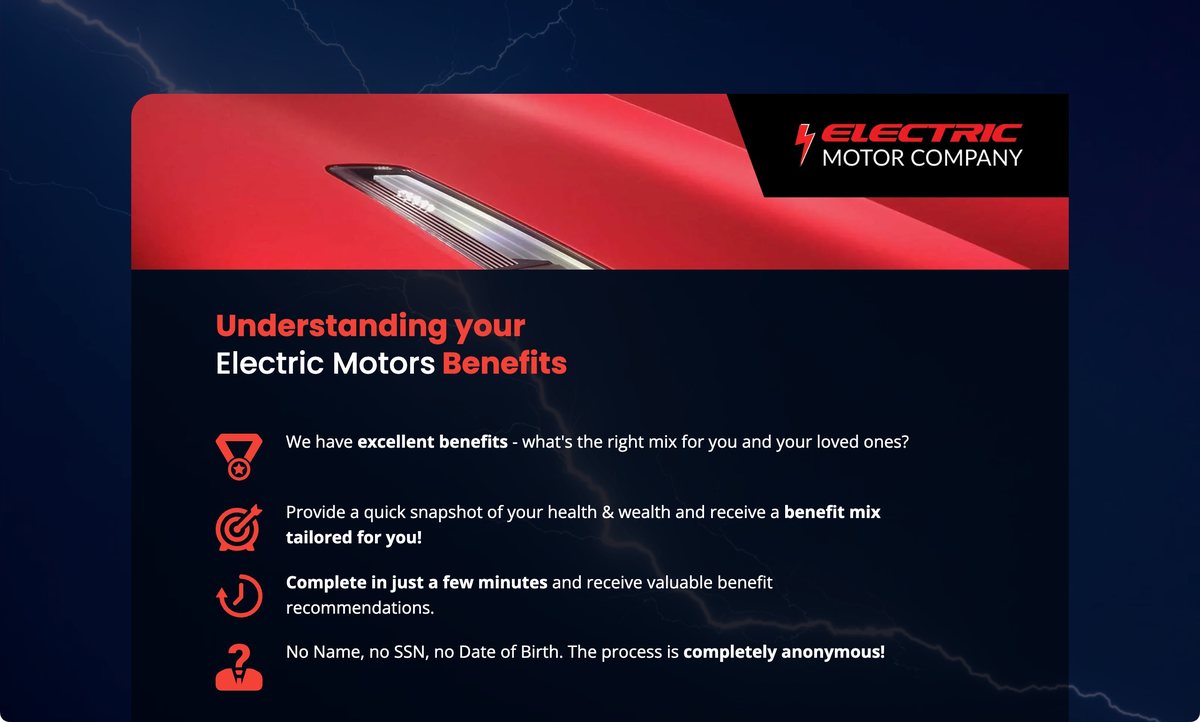
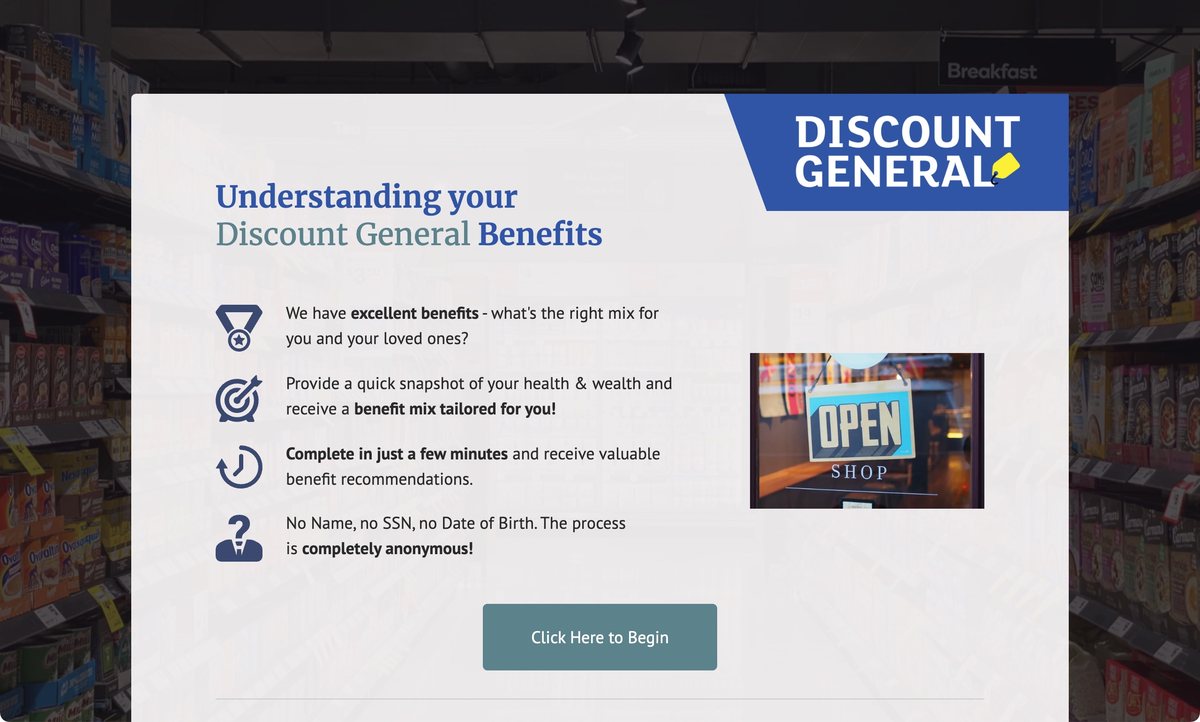
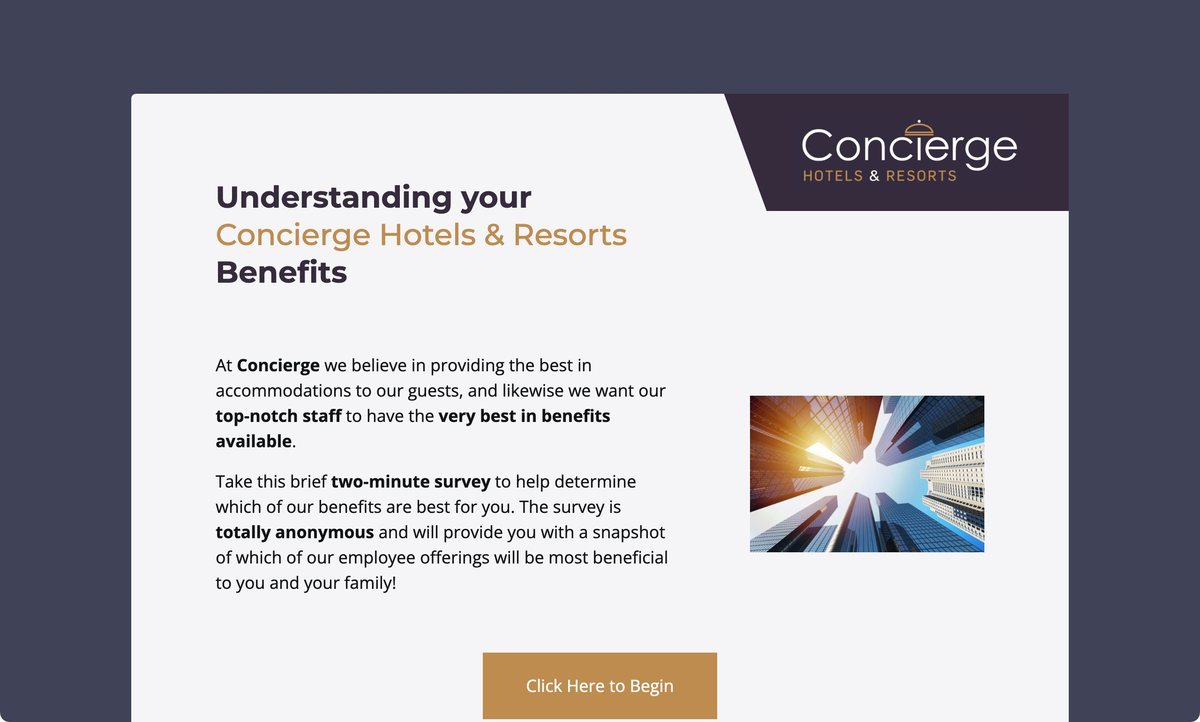
Pick a demo company and go through the real employee experience. Each one has its own branding and benefits. No form, no contact information, a few minutes.
The rest depends on which side of the table you sit on
Brokers and HR teams want the same thing out of enrollment and worry about completely different parts of getting there. Pick yours.

I’m a broker or consultant
- Stand out in a proposal. Personal guidance for every employee, aimed at the lines that need it most: disability, critical illness, and accident.
- Fits a close renewal. There is nothing to integrate, so it goes live in days.
- Your input shapes the logic. You and your client help inform the recommendation rules and preview the results before launch.
See what matters to you
Show less

I run benefits at my company
- Answers at the moment of decision. Each employee sees which benefits fit them, and why, in a few minutes.
- Nothing for IT to build. No integration, no logins, and no personal data collected.
- A light lift for your team. Setup takes an afternoon, and we do it with you.
See what matters to you
Show less
The market’s four options, explained.
Most employers have no decision support at all, so the real competition is doing nothing again this year. Here is how that stacks up.
Swipe the table to see all four options →
| Help Me Choose Benefits | Enterprise decision support | The module in the ben admin | Doing nothing again | |
|---|---|---|---|---|
| Time to live | Days | Three to six months | Already there | n/a |
| Integration required | None, just share a link or QR code | Census and carrier feeds | Built in | None |
| Personal data collected | None | Claims, logins, medical history | Whatever the platform holds | None |
| Who shapes the recommendation logic | Your input, with your broker | The vendor’s model | Nobody, it is a comparison chart | Nobody |
| Benefits covered | Medical (including reference-based pricing and ICHRAs), dental, vision, life (including whole life), disability, HSA, FSA, HRA, 401(k), voluntary | Usually medical-led | Varies, often medical only | n/a |
| Pricing | Per case or per employee, sized to the group | Per employee per month | Included, and it shows | Free |
| Employee explanation | A recommendation with good and better amounts, and why it fits each employee specifically | Basic recommendations, limited explanation | A chart | The benefit guide |
| Shows what’s not recommended, too | Yes, optional | Not typically | No, every plan looks the same | No |
Our most important features
Benefits supported
Medical, including reference-based pricing plans and ICHRAs. Dental, vision, life (including whole life), short and long-term disability, accident, critical illness, hospital indemnity, HSA, FSA, HRA, 401(k), and the voluntary and financial lines your carriers offer. Good and better coverage tiers, so an employee sees a level that fits.
Recommendation logic
You help inform eligibility and recommendation rules by employee persona. Preview example outputs before anything goes live, and adjust plan timing and logic during the enrollment window.
Employee experience
Browser-based, no login, no app, no account. Works on a phone. Takes a few minutes. Explains each recommendation in plain language and, if you turn it on, says plainly when an employee does not need a benefit.
Privacy
No name, no Social Security number, no employee ID, no email required. Nothing personally identifiable is collected, so there are no personal records to store.
Reporting
Real-time dashboards covering usage, top recommendations, respondent breakdowns, and trends over the enrollment window. Exportable.
Branding
Front-end editor for images, colors, and fonts, so it carries your branding. Responsive across desktop, tablet, and phone.
Languages
English, Spanish, and French. Our translation model is trained on benefits terminology, so it reads naturally to native speakers, not like a word-for-word translation.
Easy rollout
Share a link or QR code in enrollment packets, benefit emails, the benefits guide, and new-hire materials, or add it as a button in your enrollment platform.
Questions we get
How is this different from the decision support already built into our ben admin?
Those tools show a comparison chart and leave the employee to work it out. Ours tells each employee which benefits fit their specific situation and why, and the recommendation logic comes from you rather than from the platform vendor. That is also why engagement runs where it does. People finish something that is actually answering their question.
Does this integrate with our enrollment platform?
No, by design. No census feed, no carrier file, no API, no single sign-on. Employees go through the guidance, then enroll wherever they normally enroll. It works alongside Workday, UKG, Dayforce, Paycom, Paylocity, and anything else, because it never touches them.
How can the recommendation be personalized with no personal data?
The employee answers questions about household, finances, and health, and those answers drive the recommendation. What is never asked for is anything that identifies them: name, Social Security number, employee ID, email. Personalization needs to know the situation, not the person.
Does this mean HR is recommending specific benefits to employees?
No, and that distinction matters. HR helps inform the strategy and the eligibility rules alongside the broker. The guidance an employee receives comes from the platform, not from a named person in HR. That keeps HR on the right side of the line between educating employees and advising them.
How long does implementation take?
Days. Loading plans and setting the recommendation logic takes an afternoon, and we sit with you through the process. There is nothing to integrate, so there is nothing to schedule.
What does it cost?
Pricing depends on the group. We price per case based on group size, or per employee per month. Book fifteen minutes and we will price your actual group.
Who decides what gets recommended?
HMCB comes with built-in recommendation logic for every benefit you offer. It looks at each employee’s situation and benefit options and gives a personal recommendation. You and your broker can shape that logic to fit the goals and design of your benefits program, but you never have to build or write the rules yourselves. Before anything goes live, you both review the employee experience and the recommendations to make sure they match your benefits strategy.
Will employees actually use it?
Employees reach it from a link or a QR code and finish in a few minutes. There is no login and no personal data to give, and creating an account is the step where employees usually give up. A tool that takes a few minutes is an easy ask for HR to make.
What about employees who do not speak English?
English, Spanish, and French are all supported. Our translation model is trained on benefits terminology, so it reads naturally to native speakers, not like a word-for-word translation. More languages are coming in the future.
Your next enrollment is the time to start supporting your employees
Pick a plan with flat voluntary participation and we will show you what the guidance looks like for that workforce. Fifteen minutes with Brandan, no deck or hard pitch.
Or walk through the employee experience first. Four demo companies, no contact information required.
Electric Motor Company Discount General Concierge Hotels & Resorts Maple University